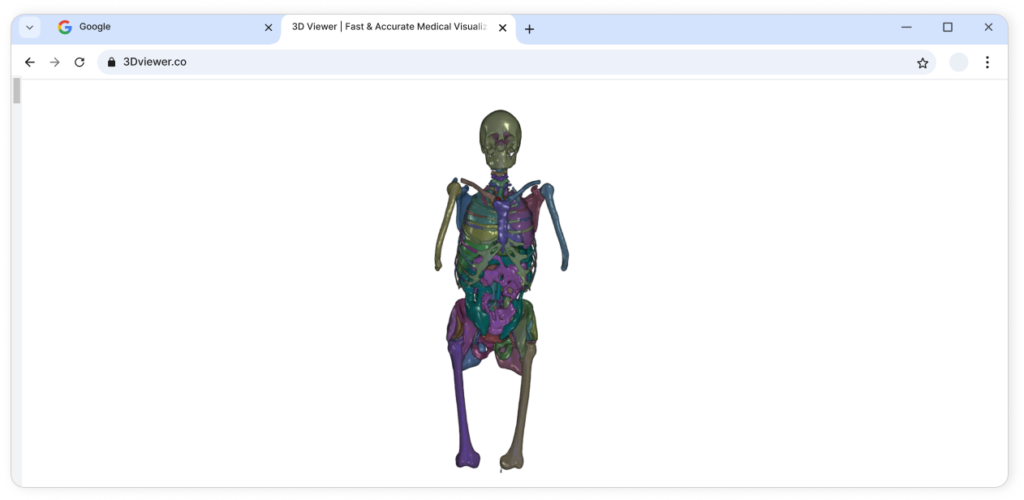
Step-by-step guide for patients to use MedRouter efficiently.
Step 1
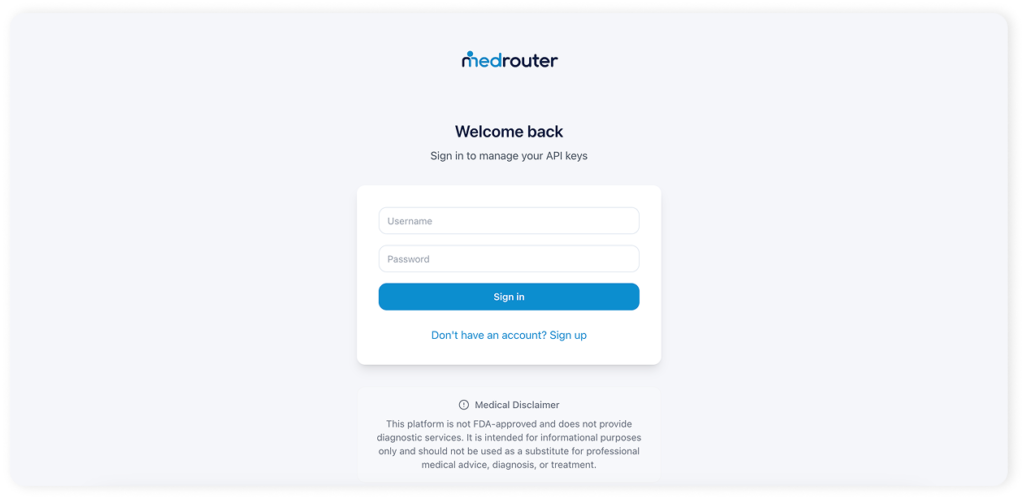
Create an Account or Log In
Start by creating a MedRouter account or logging in if you already have one. This gives you access to the platform and its AI-powered medical imaging tools.
Step 2
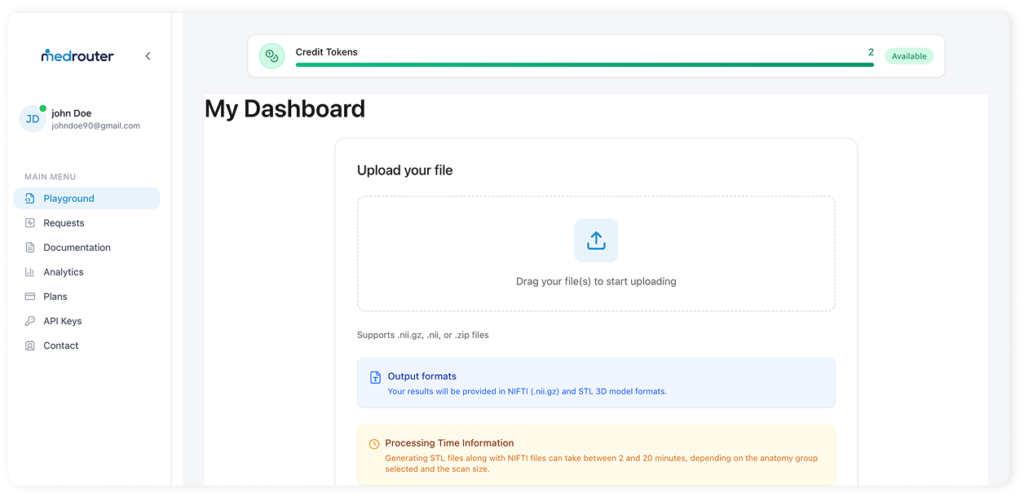
Go to the Playground & Upload Your Scan
Go to the Playground page, where you can upload and process medical scans. Click the Upload button and select a DICOM or NIfTI scan from your device.
Step 3
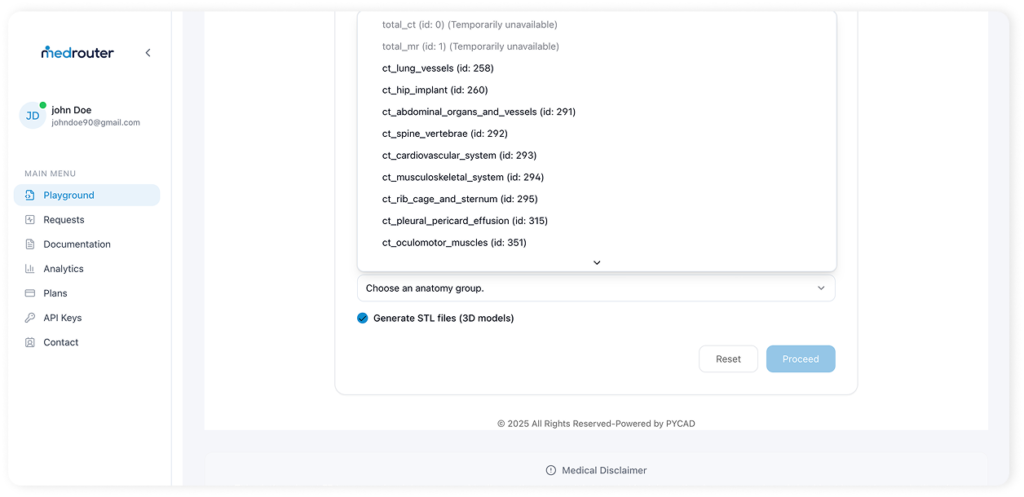
Select the Anatomy Group & Run Inference
After uploading, select the anatomy group, click Run Inference, and MedRouter will process your scan. Once ready, you will receive the results by email or access them in the Requests page.
Step 4
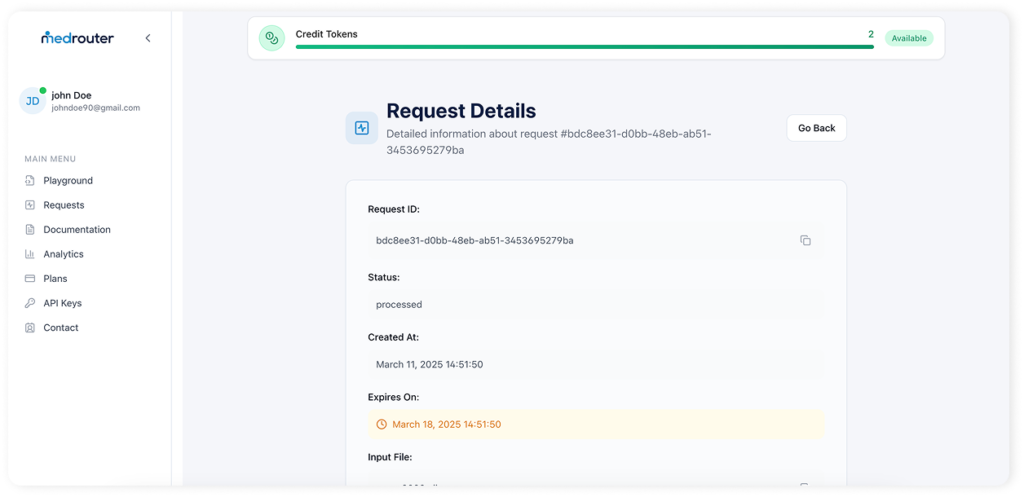
Download Your Results
Once processing is complete, you’ll receive an email with download links to your results. You can also find them anytime in the Requests page.
Step 5
Visualize Your Results (Coming Soon)
Open the downloaded files using your preferred medical imaging viewer. Analyze the segmentation, refine the results if needed, and integrate them into your workflow.
This platform is not FDA-approved and does not provide diagnostic services. It is intended for informational purposes only and should not be used as a substitute for professional medical advice, diagnosis, or treatment